Lili Royale Deposit Options: GCash, Maya, and Bank Transfer
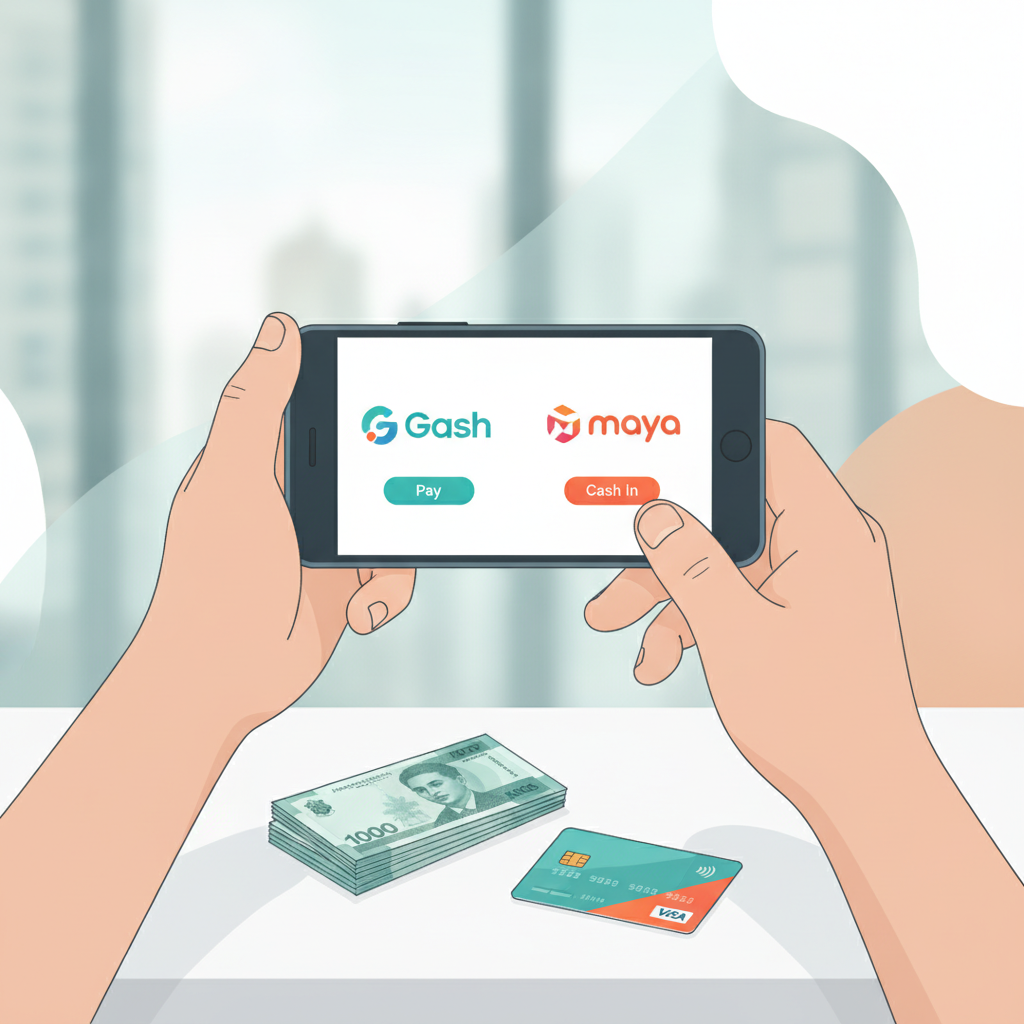
Overview of Lili Royale Deposit Methods
Lili Royale offers three main ways to deposit funds into your account: GCash, Maya, and bank transfer through InstaPay or PESONet. All three methods accept Philippine pesos and are designed for mobile-first players.
Most Filipino players at Lili Royale deposit between PHP 100 and PHP 500 per transaction. The platform supports the payment methods already installed on your phone, so you can fund your account without needing to set up new apps or accounts.
GCash and Maya deposits typically process within minutes, making them the fastest options for players who want to start playing slots, live dealer games, or place bets on PBA and NBA matches right away. Bank transfers through InstaPay also process quickly, while PESONet transactions may take longer depending on your bank's processing schedule.
Before you deposit, make sure you have completed Lili Royale register and verified your account. The platform requires players to provide valid identification during the registration process to comply with local requirements.
GCash Deposit: Steps and Processing Time
GCash is one of the most popular deposit methods for Lili Royale players in Metro Manila and the provinces. Most Filipino mobile users already have the GCash app installed, which makes this option convenient for first-time deposits.
How to deposit with GCash at Lili Royale:
- Log in to your Lili Royale account using your Lili Royale login credentials
- Navigate to the deposit or cashier section of the platform
- Select GCash as your payment method
- Enter the amount you want to deposit (check the minimum deposit requirement, typically PHP 100)
- You will see instructions with a GCash account number or QR code
- Open your GCash app on your phone
- Send the exact deposit amount to the account number provided, or scan the QR code
- Save your GCash transaction reference number
- Return to Lili Royale and submit the reference number to confirm your deposit
- Wait for your deposit to be credited to your account
Processing time: GCash deposits at Lili Royale typically process within 5 to 15 minutes during peak hours. Some deposits may appear in your account balance almost instantly, especially outside busy periods. If your deposit has not appeared after 30 minutes, check that you entered the correct reference number and contact Lili Royale customer support with your transaction details.
Make sure the name on your GCash account matches the name you used when you registered at Lili Royale. Mismatched names can cause delays or require additional verification.
Your GCash wallet must have sufficient balance before you start the deposit process. GCash does not charge players a fee for sending money, but check whether Lili Royale applies any processing fees on their end—this information is usually displayed before you confirm your deposit amount.
Maya Deposit: How It Works for Lili Royale Players
Maya (formerly PayMaya) is another e-wallet option widely used in the Philippines. The deposit process for Maya is similar to GCash, and players who prefer this platform can fund their Lili Royale account just as easily.
How to deposit with Maya at Lili Royale:
- Access your account through Lili Royale login
- Go to the deposit or cashier page
- Choose Maya as your deposit method
- Enter your desired deposit amount in pesos
- The platform will display a Maya account number or QR code
- Open the Maya app on your Android phone
- Use the "Send Money" feature to transfer the exact amount to the account provided, or scan the QR code
- Note your Maya transaction reference or confirmation number
- Enter this reference number back on the Lili Royale deposit page
- Submit and wait for confirmation
Processing time: Maya deposits usually process within 5 to 20 minutes. Like GCash, processing speed can depend on platform traffic and whether you submit your transaction during business hours or late at night.
Maya users should verify that their account is fully verified within the Maya app before attempting to deposit at Lili Royale. Unverified Maya accounts have lower transaction limits, which may prevent you from completing your deposit if you're sending an amount close to your daily cap.
If you are new to Lili Royale and completing your first deposit, keep your Maya transaction receipt or screenshot. This can be useful if you need to verify your payment method as part of the ID verification process.
Both Maya and GCash deposits are popular among Filipino players because they allow you to keep your bank account details private while still funding your casino account securely.
Bank Transfer via InstaPay and PESONet: What You Need to Know
Players who do not use GCash or Maya can deposit at Lili Royale through direct bank transfer. The platform supports InstaPay and PESONet, two interbank transfer networks available to most Philippine banks.
InstaPay deposits:
InstaPay is designed for real-time transfers between participating banks. If your bank supports InstaPay, this is the faster bank transfer option.
- Complete your Lili Royale login and go to the deposit section
- Select the bank transfer option and choose InstaPay
- Lili Royale will display the bank account details where you need to send your deposit
- Open your bank's mobile app or online banking portal
- Initiate an InstaPay transfer to the account number and bank name provided by Lili Royale
- Enter the deposit amount (usually a minimum of PHP 100)
- Complete the transfer and save the transaction reference number
- Go back to Lili Royale and submit your reference number in the deposit confirmation field
Processing time: InstaPay deposits typically process within 5 to 30 minutes. Because InstaPay transactions happen in real time, delays are rare during banking hours. Transfers initiated outside banking hours may take longer to reflect in your Lili Royale account balance.
PESONet deposits:
PESONet is a batch-processing transfer system. It is available through most Philippine banks but processes transactions in scheduled batches rather than in real time.
The deposit steps for PESONet are identical to InstaPay:
- Log in to Lili Royale
- Select bank transfer and choose PESONet
- Note the bank account details provided
- Use your bank's app or website to send a PESONet transfer
- Save your reference number
- Submit the reference on Lili Royale's deposit page
Processing time: PESONet deposits can take several hours or up to one banking day to process. Transfers submitted after banking cut-off times may not be processed until the next business day. This option works well for players who plan their deposits in advance but may not be ideal if you want to play immediately.
What you need for bank transfers:
- A bank account with a Philippine bank that supports InstaPay or PESONet
- Access to your bank's mobile app or online banking platform
- Enough balance in your account to cover the deposit amount
- The account name on your bank account should match the name you used during Lili Royale register
Some banks charge a small fee for InstaPay or PESONet transfers. Check your bank's fee schedule before you deposit. Lili Royale may also display any platform fees before you confirm the transaction.
Bank transfers are a good option for players who prefer not to use e-wallets or who want to deposit larger amounts than their GCash or Maya wallets can hold.
Minimum Deposit and Practical Tips
Lili Royale sets a minimum deposit amount, typically around PHP 100, depending on the payment method you choose. This low minimum makes it accessible for players who want to try slots, jackpot games, or place small bets on PBA and NBA games without committing large amounts.
When you deposit for the first time, start with the minimum amount to make sure the process works smoothly. Once your first deposit is credited successfully, you'll have a better sense of processing time and can deposit with confidence going forward.
Always double-check the account number, QR code, or bank details before sending money. Sending funds to the wrong account can result in lost deposits that are difficult to recover.
Keep records of every transaction reference number, screenshot, or receipt. If your deposit does not appear within the expected processing time, you'll need these details when contacting Lili Royale support.
If you are depositing to play live dealer tables or bet on an ongoing basketball game, choose GCash, Maya, or InstaPay for faster processing. PESONet is better suited for players who are funding their account ahead of time.
21+ Only and Play Responsibly
Lili Royale is for players aged 21 and over only. Online casino games, sports betting, and bingo are forms of entertainment that carry financial risk. Deposit only what you can afford to lose, set limits on your playing time and budget, and never chase losses. If you feel that gambling is becoming a problem, seek help from responsible gambling resources available in the Philippines.